
Returning renter intelligence
Rental IQ
Bring them back to their unit.
Your returning renters don't have to start over. Rental IQ brings the units they considered back into view.
Today's availability, current prices, and Rent or Reserve buttons help them pick up where they left off.
Book a DemoSee it in action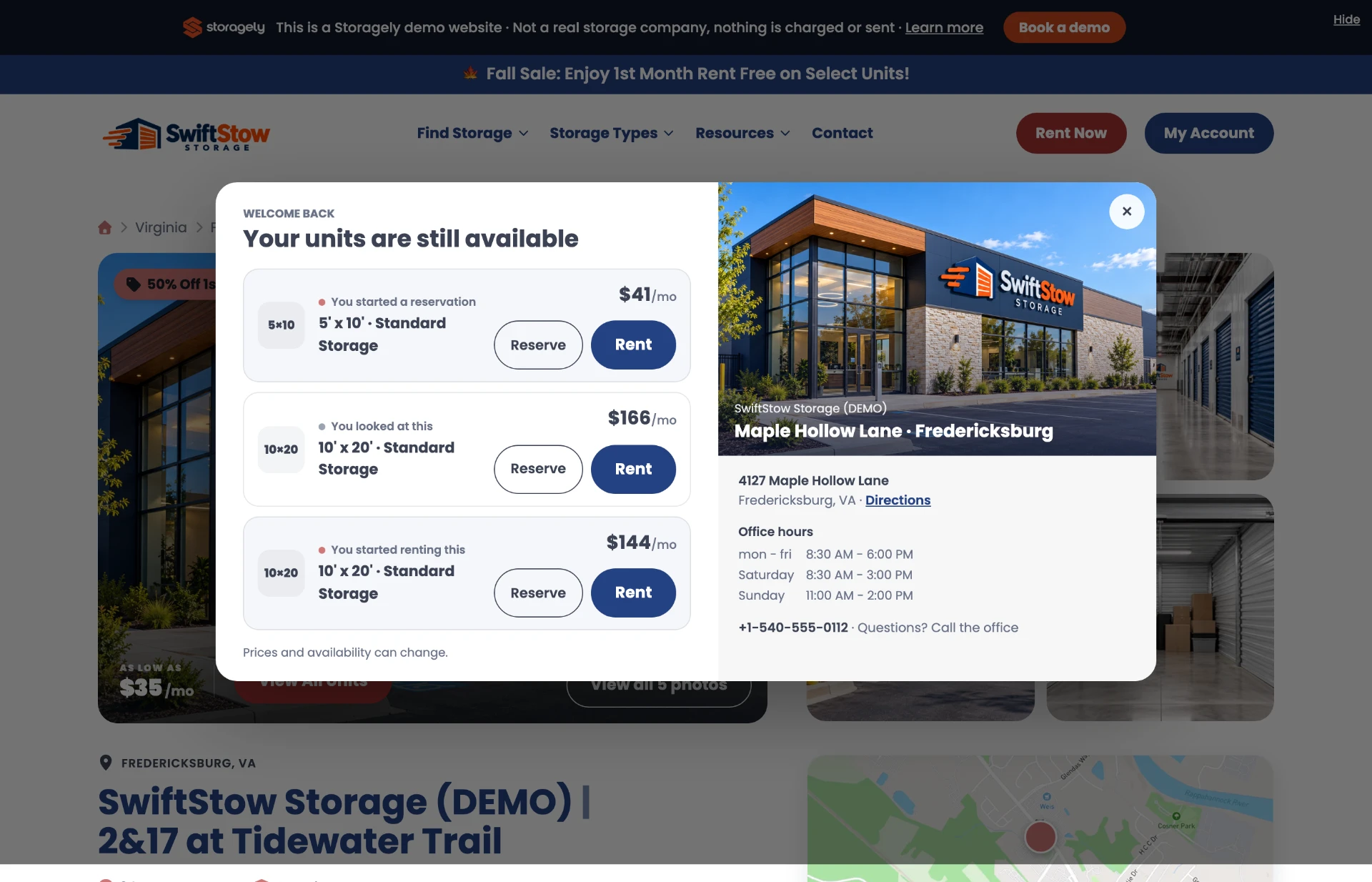
Remember their shortlist
Show up to three recent units from this location, most recent first.
Keep the next step clear
Distinguish a viewed unit, a started reservation, and an unfinished rental.
Show what's available now
Skip unavailable units and show today's prices, not yesterday's quote.
A familiar next step
Welcome back. Your units are here.
Choose a centered pop-up or a quieter corner card. Both put their units within reach.
Your location stays in view
The centered version includes your facility photo, address, directions, phone, and available location details.
Your page stays open
The corner card leaves visitors free to browse. On a phone, it spans the available screen width.
From browsing to renting
Keep the unit. Remember the progress.
They looked at a unit
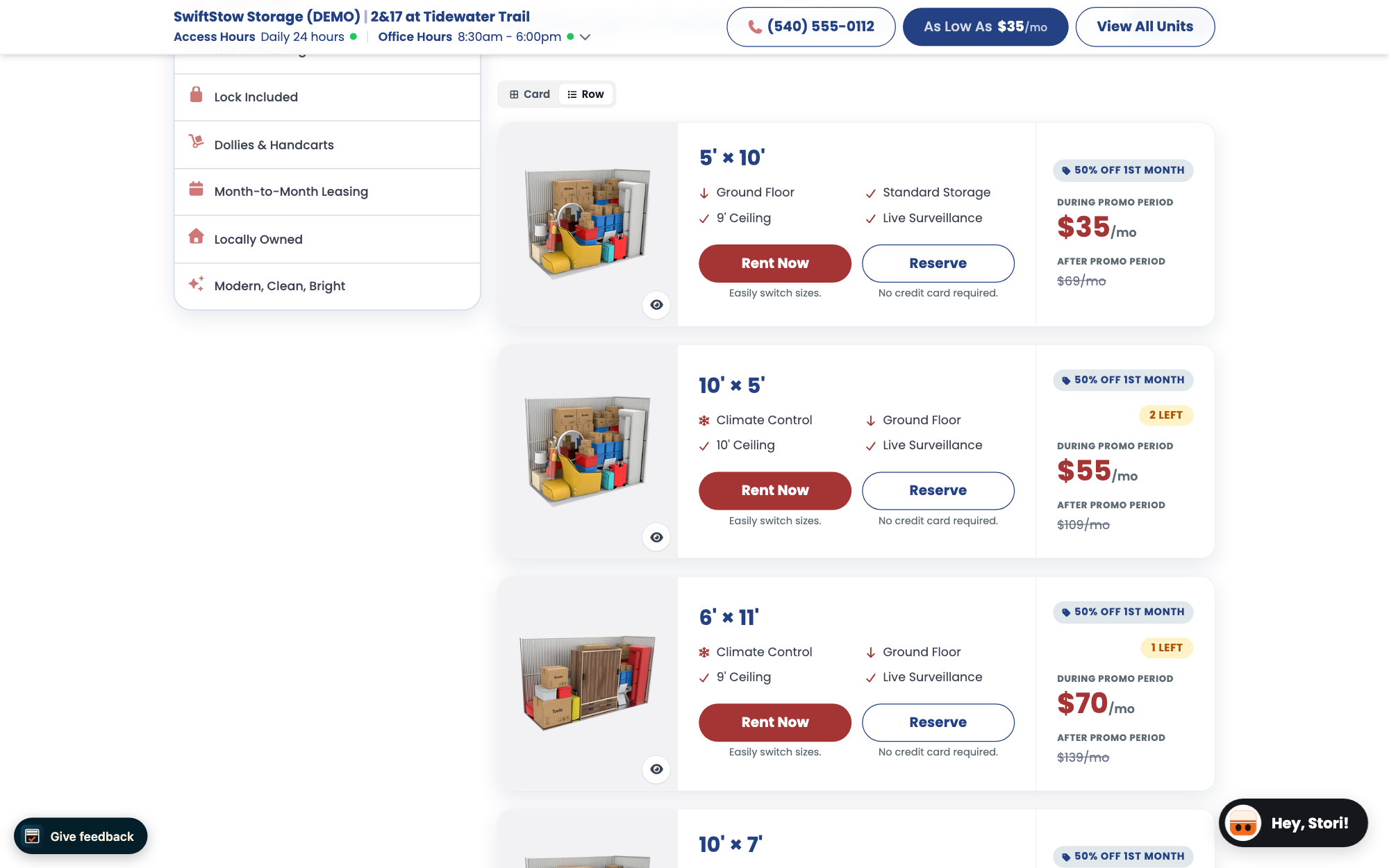
A viewed unit joins their shortlist. Returning to the location brings that choice back.
They started the next step
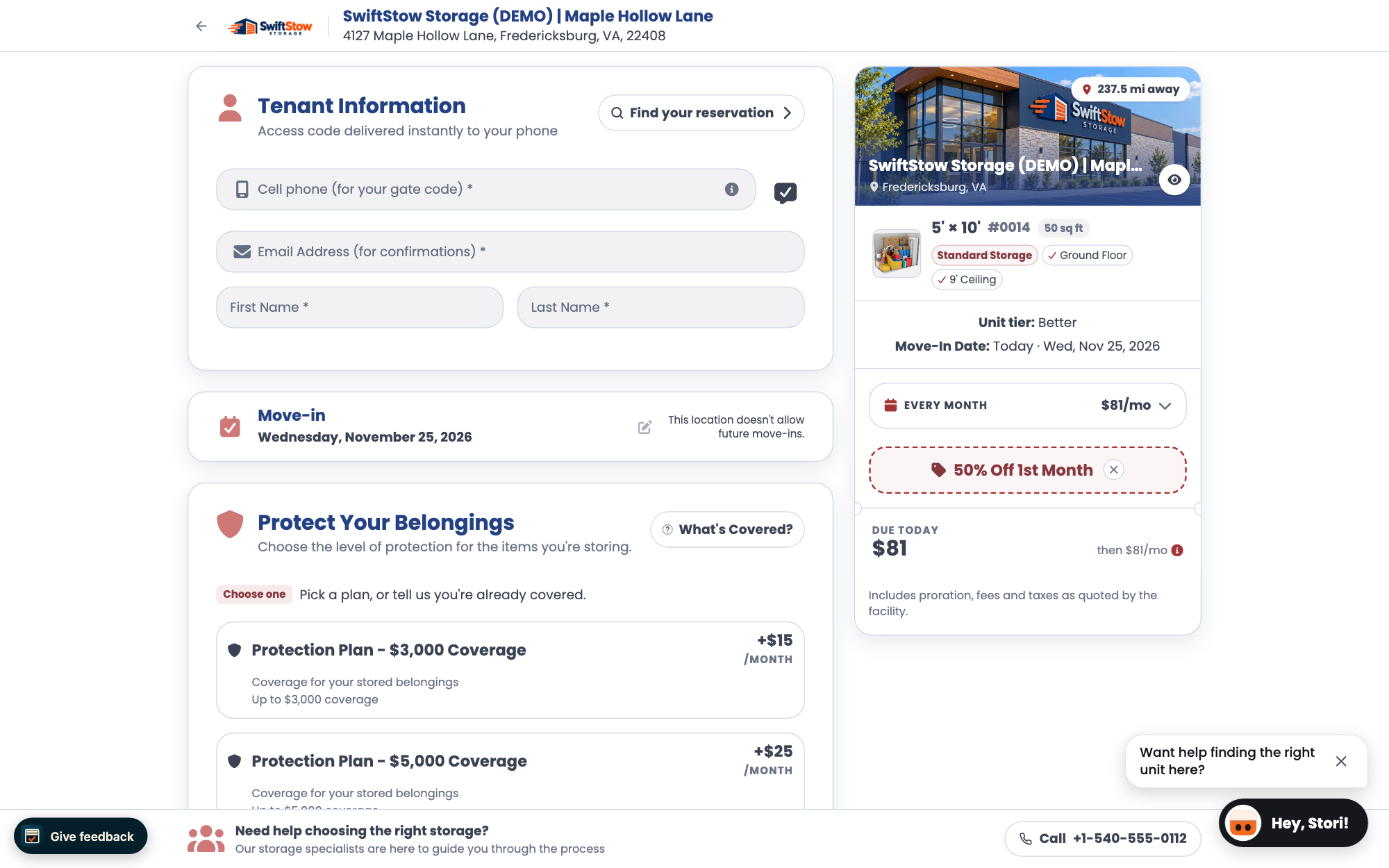
A reservation or unfinished checkout advances the reminder. Viewing it again doesn't erase that progress.
Relevant rental experiences
Help them choose. Then keep going.
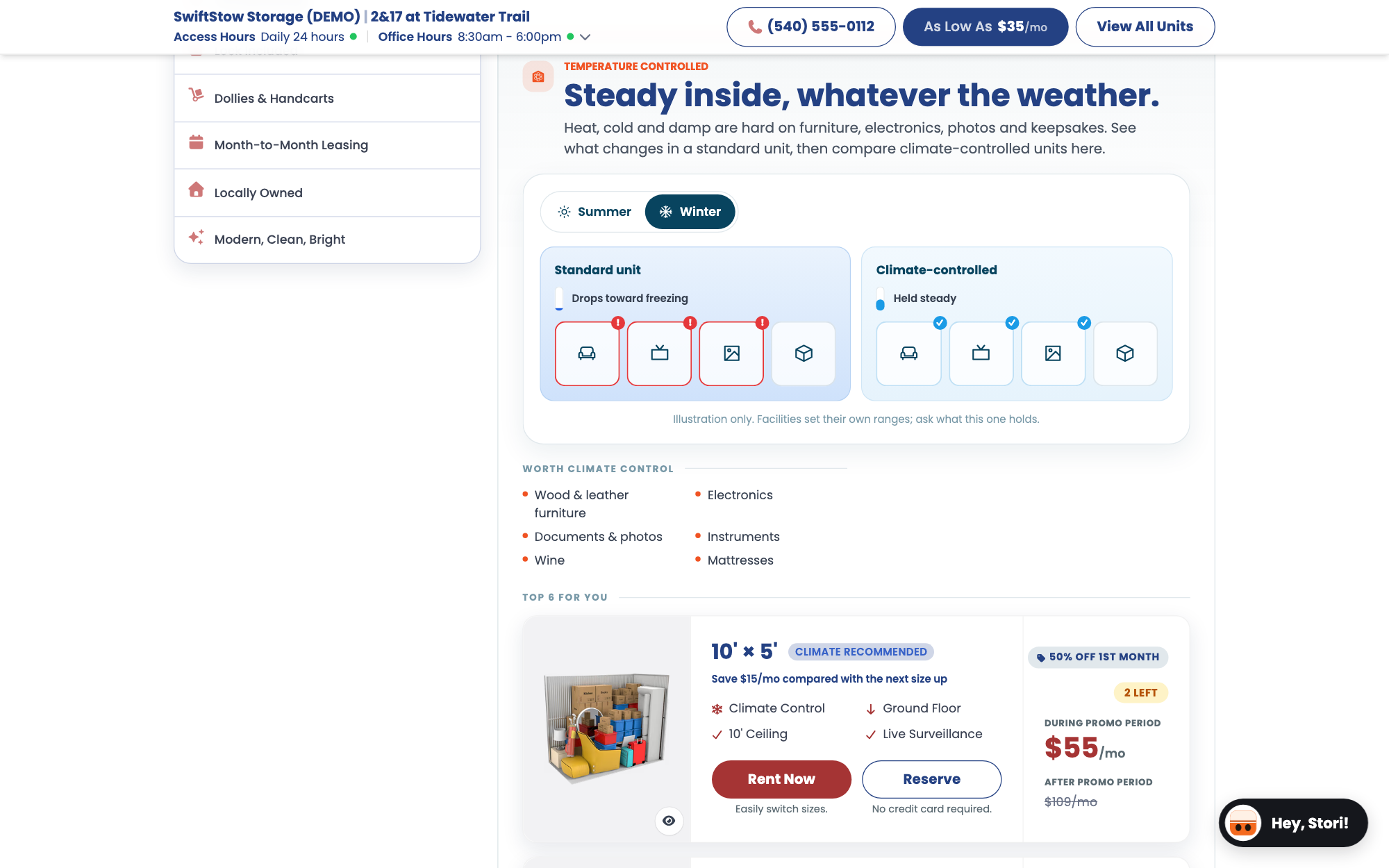
Climate-controlled storage
Show the storage details that matter while keeping available units close.
See it in action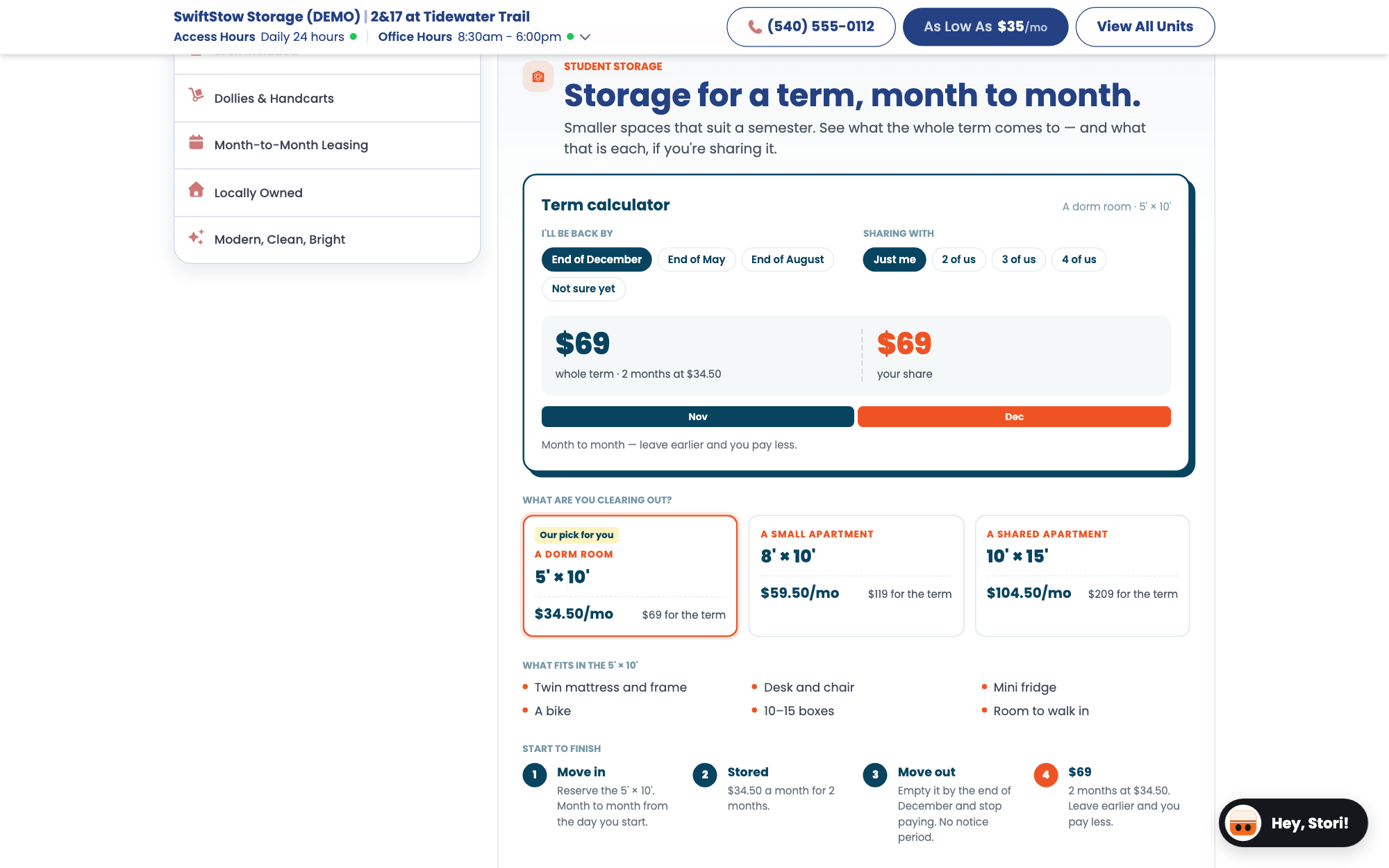
Student storage
Give renters a term-based view of storage and a clear path to their unit.
See it in action50/50 pop-up styles
Reload the demo to try the other style.
Your choice, your locations
Set the experience. Measure what follows.
Choose Corner, Pop-up, 50/50, or Off for your website. Override individual locations and edit the reminder wording.
The 50/50 setting keeps each visitor in the same style. Compare real reservations and confirmed rentals.
When does the reminder appear?
After a return visit more than 30 minutes later, with available units viewed here within the last 30 days. Your website and location settings, analytics consent, and Do Not Track preferences also govern whether it appears.
Does it remember personal information?
Unit history stays in the visitor's browser, not on our servers. No names, emails, or accounts are involved. Switching browsers or devices starts a fresh history.
What happens after a rental?
Completing a rental clears that unit from the reminder. Units that are unavailable or removed from the location page are skipped.
Can visitors dismiss it?
Yes. They can close it, press Escape, or click outside the centered pop-up. It stays dismissed for that browser session.
What can you measure?
Eligibility, assigned style, impressions, dismissals, Rent and Reserve clicks, and confirmed reservations and rentals. Rentals count only after server confirmation. Demo pop-ups aren't counted.
They came back. Keep them moving.
Give returning renters a clear path back to the units they considered with Rental IQ.